
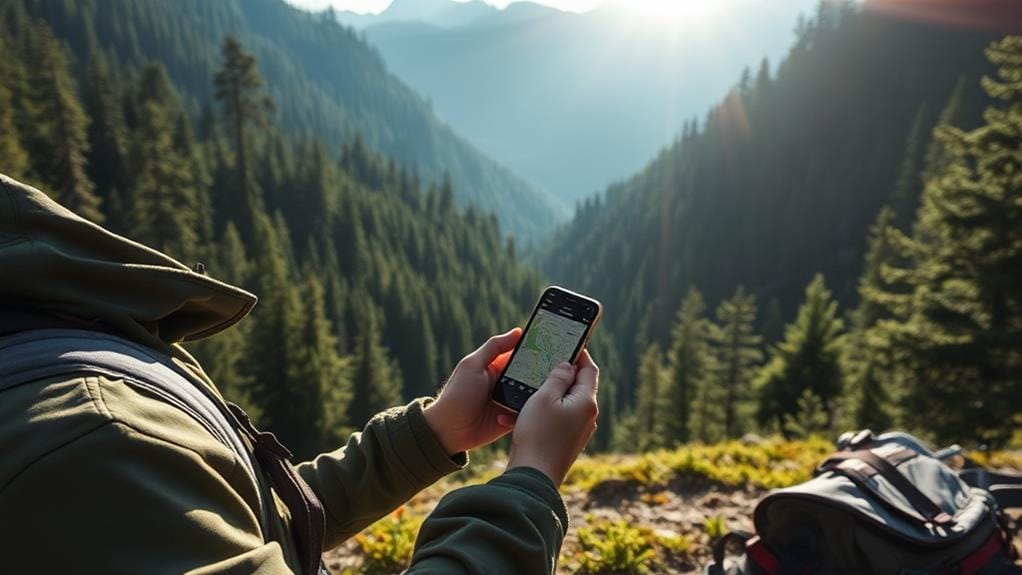

Losing signal in a remote area is one of the more disorienting travel experiences, and it happens more often than people expect once you’re outside major towns — I’ve had it happen on routes I thought I knew well. Offline travel apps solve most of that problem: they provide navigation without an internet connection, save battery and data, and let you plan routes and download maps before you ever lose signal.
Reliable Navigation Without Internet
Driving or hiking through remote areas often means losing cell signal at some point, and an offline map means that’s an inconvenience rather than a real problem. Downloading maps before you set out means you’re prepared for detours or unexpected turns without needing to find a Wi-Fi hotspot mid-trip.
Beyond just avoiding getting lost, not needing a constant data connection also saves battery life, which matters more the farther you are from a charging outlet. If you hit a road closure or need an alternate route, having offline maps already downloaded for the surrounding area means you’re not stuck without options.
Battery and Data Conservation

Constant data streaming for live navigation drains a phone battery fast, and in remote areas, that battery might need to last a full day without a charging opportunity. Offline maps sidestep this since the heavy lifting happens once, during the download, rather than continuously while you’re navigating.
Data costs matter too, especially with international roaming charges or limited data plans in areas with poor infrastructure. Downloading maps over Wi-Fi before you leave avoids burning through data you might need later for something more important, like checking in with someone back home.
Downloading Offline Maps
Choosing Reliable Map Apps
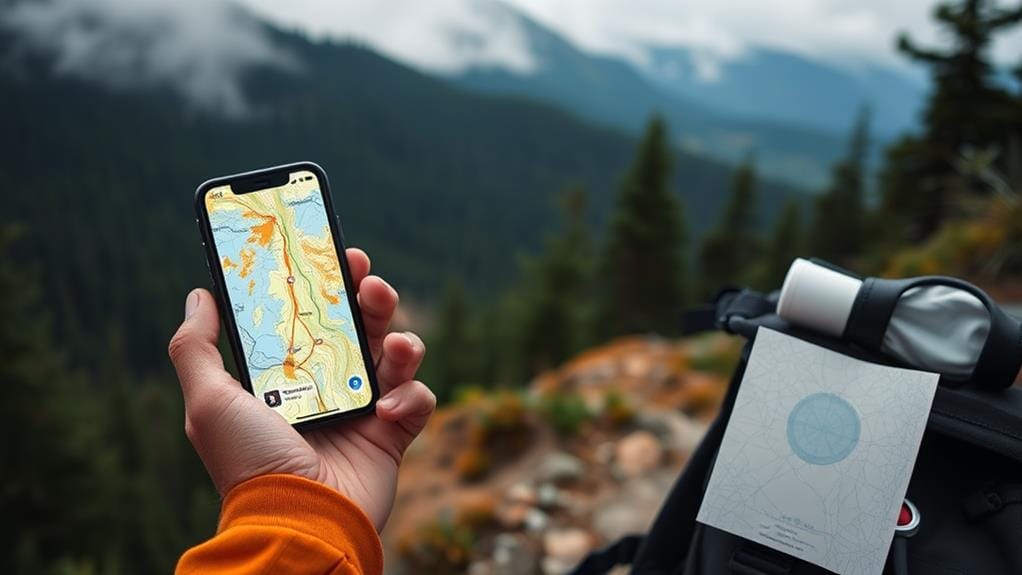
Several apps handle offline maps reasonably well, each with different strengths. General-purpose mapping apps are a solid choice with detailed offline map downloads and route planning. A few dedicated offline-mapping apps are worth considering too, particularly for more detailed topographic data useful in genuinely remote or wilderness areas. It’s worth trying a couple to see which interface and level of detail suits your specific trip.
Pre-Trip Preparation Essentials
Before heading somewhere with unreliable connectivity, download your chosen app’s maps for the full area you’ll be covering, not just your immediate destination. Bookmark key stops — accommodation, planned attractions, fuel stops if you’re driving — so they’re easy to find later. It’s worth testing the offline functionality in a familiar area first, so you’re confident it works before you’re relying on it somewhere remote. Check for map updates before you leave too, since offline data can go stale if it hasn’t been refreshed in a while.
Data Storage Considerations
Detailed offline maps can take up meaningful storage space, so it’s worth checking your device’s available capacity before downloading maps for a large region. Once downloaded, using them doesn’t consume data, which is the main advantage, but it’s worth updating them periodically whenever you do have a connection, since roads and points of interest change over time and outdated maps can lead you astray.
Preempting Navigation Challenges

Planning for connectivity gaps before you leave avoids a lot of stress mid-trip. Offline maps keep you oriented even where cell towers don’t reach, and apps with detailed topographic information are particularly useful for anyone heading into genuinely rugged or unfamiliar terrain. Some apps also include general information on nearby emergency services, worth checking even though availability and detail vary a lot by region.
Enhancing Safety During Travel

In an actual emergency in a remote area — an injury, a vehicle breakdown — having offline maps already loaded means you can quickly identify the nearest town, road, or known landmark to communicate your location, even without signal to search for it in the moment. Topographic detail also helps you spot hazards like steep drops or difficult terrain before you’re on top of them. If road conditions or closures come up, having alternate routes already available in your offline maps means you’re not left improvising without any reference point.
Planning Efficient Routes Beforehand

Mapping out a route in detail before you leave, including key stops and points of interest, makes for a much smoother trip than figuring it out as you go, especially somewhere with limited signal. Offline maps let you do this planning at home with a reliable connection, then rely on the downloaded version once you’re underway. Marking alternate routes ahead of time also means a detour doesn’t require improvising from scratch.
Exploring Off-the-Beaten-Path Destinations

Remote national parks, backcountry trails, and other less-visited destinations are exactly where offline maps earn their keep, since cell coverage in these areas is often unreliable or nonexistent. Downloading maps for the specific region ahead of time lets you bookmark points of interest and plan routes without needing a live connection once you arrive.
Beyond avoiding getting lost, offline maps can help locate practical necessities — fuel stations, ranger stations, water sources — in areas where those aren’t always obvious or well-marked.
Integration With Other Travel Apps
Some offline map apps integrate with itinerary or booking apps, letting you access reservation details even without Wi-Fi. A few other useful combinations worth looking for:
- Custom pins or bookmarks for specific stops you want to remember
- Reviews of local food or lodging that were cached before you lost signal
- Route planning that accounts for nearby emergency services where that data is available
Frequently Asked Questions
Why Do People Use Offline Maps?
Mainly to stay oriented in areas with poor or no data connectivity, and to avoid burning through data or battery relying on live navigation the whole trip.
What Are Offline Maps Good For?
Navigation without a signal, conserving battery and data, and having a reliable backup in case of an emergency where you need to communicate your location.
How Do I Use Location Offline?
Download the relevant maps for your route or region before you lose connectivity, ideally over Wi-Fi. Most major mapping apps support this through a straightforward download option in settings.
Does Offline Map Use Data?
Once downloaded, no — offline maps work without consuming data. The download itself uses data unless done over Wi-Fi, so it’s worth downloading maps before you leave a connected area.


 By
By




 By
By